
Support
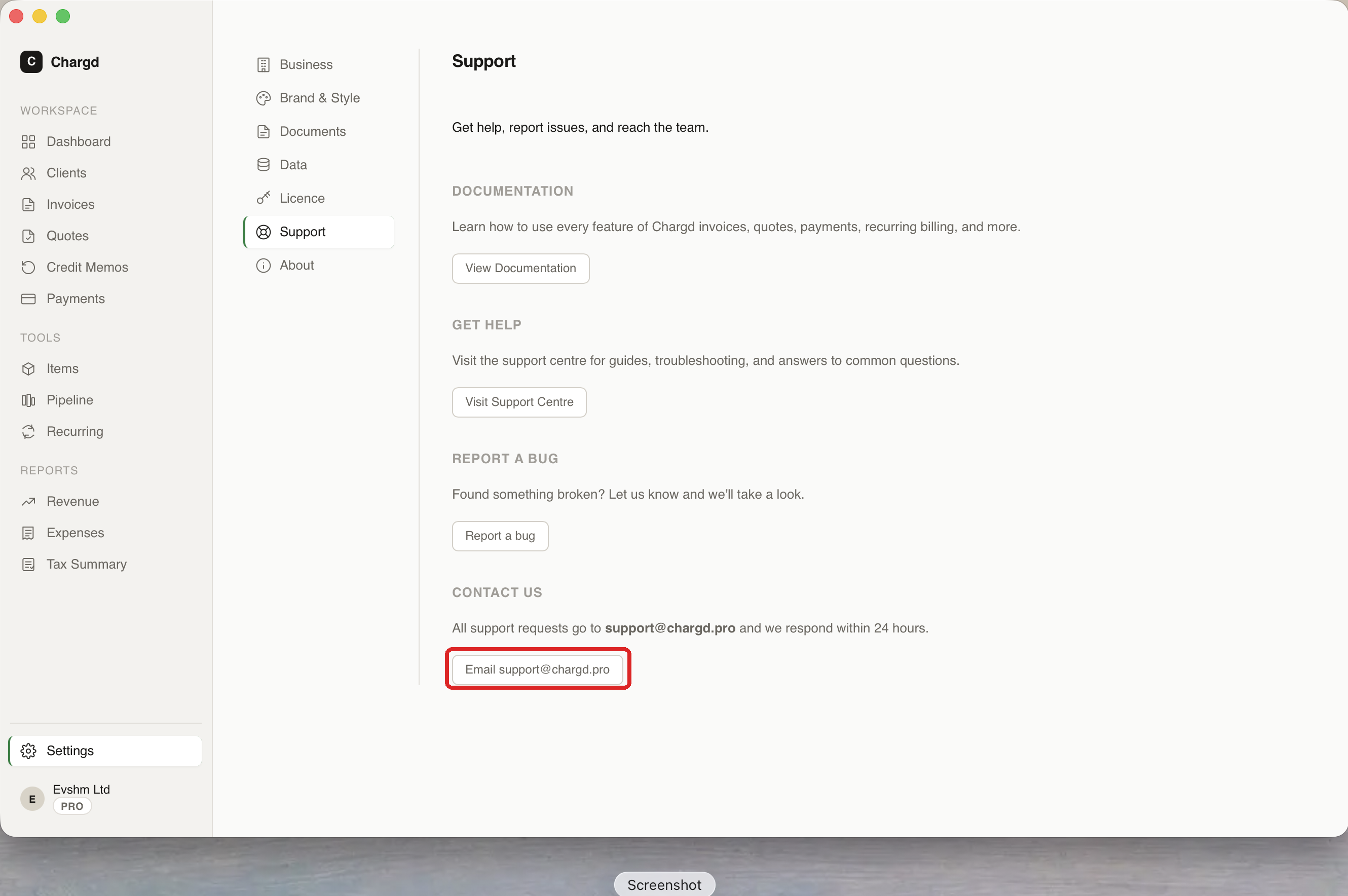
Most questions are answered somewhere in this guide, the sidebar links on the left cover every screen in the app. Chargd also has a dedicated Settings → Support tab (see Settings) with four options: this documentation, a support centre, a bug report link, and a direct email.
Common issues
Licence key not activating / "Pro doesn't work" after paying Check Settings → Licence for your activation status, licence ID, and how many machines are activated. If your key isn't accepted, make sure you're copying it exactly from your purchase email (no extra spaces).
Moving to a new Mac A Chargd Pro licence can be activated on up to 3 machines (shown on the Licence tab). If you've reached the limit, click Deactivate this machine on the old Mac first, then activate on the new one.
Lost your backup or need to move your data See Backups, exports & Trash, export a JSON backup from your old machine and restore it on the new one.
Accidentally deleted something Check Trash under Settings → Data, deleted items are recoverable for a period before permanent removal.
Still stuck?
Click Email support@chargd.pro on the Settings → Support tab, or email it directly, Chargd responds within 24 hours. Include your version number (found under Settings → About) and a short description of what you were trying to do.