
Expense tracker (Pro)
The Expenses screen (/expenses) tracks business costs, links them to clients, and attaches receipts, a Pro-only feature.
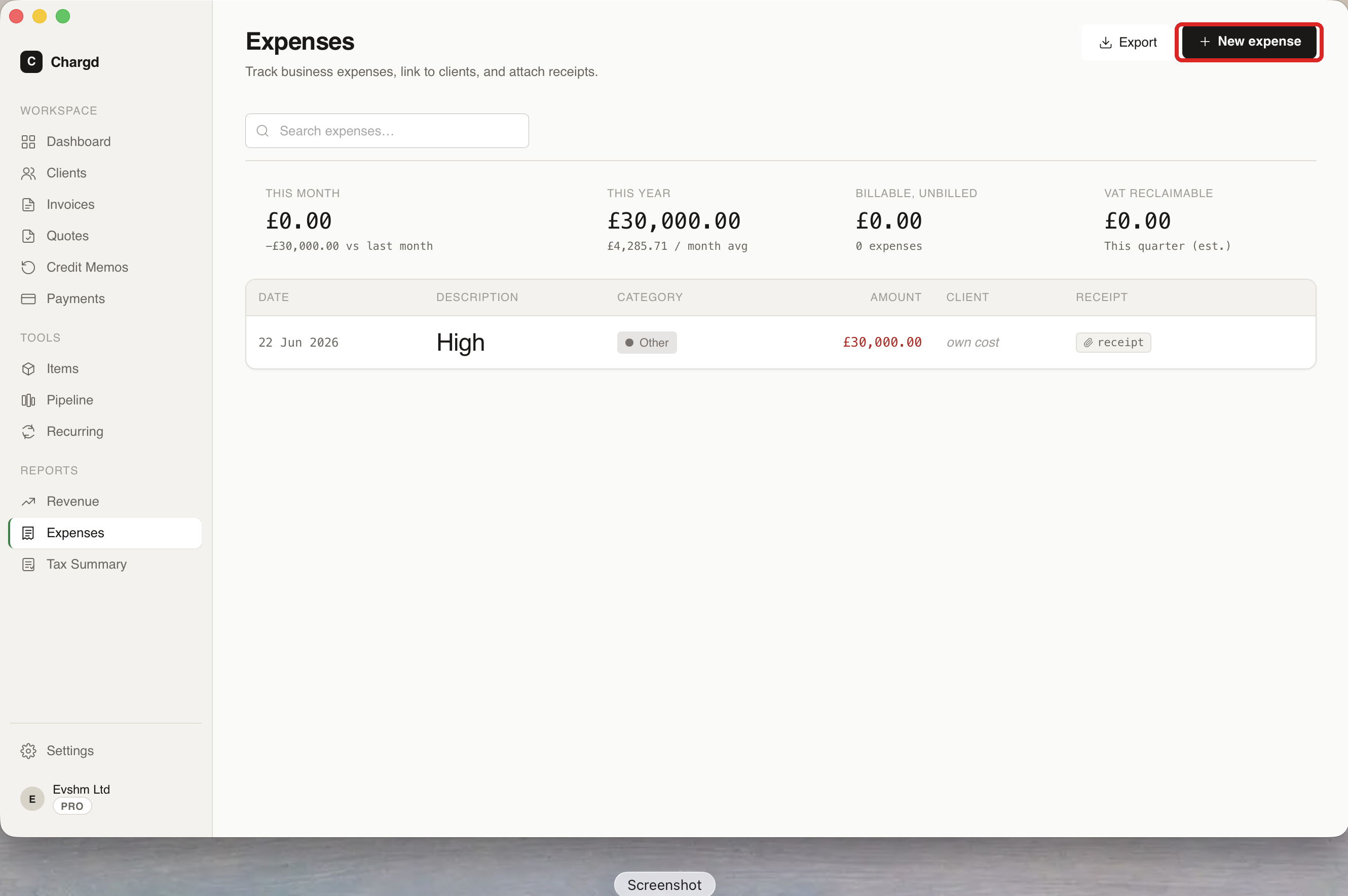 Stats across the top: this month, this year, billable-and-unbilled total, and estimated VAT reclaimable.
Logging an expense
- Go to Expenses in the sidebar and click + New expense (circled above).
- Fill in the description, amount, category, and date. Optionally link it to a client (useful for billable expenses) and attach a receipt image or PDF.
- Save.
The table shows date, description, category, amount, client, and a link to the attached receipt. Use the search field to find a specific expense.
Exporting expenses
Click Export (top right) to download your expenses as a file, handy for handing off to an accountant, or cross-check the same data in the Tax Summary report, which breaks expenses down by category.
← Recurring invoices · Back to guide index · Next: Reports →