
Quotes
Quotes work almost identically to invoices, same builder, same line-item behaviour, but they're for proposing work before you're paid, not billing for it.
The quotes list
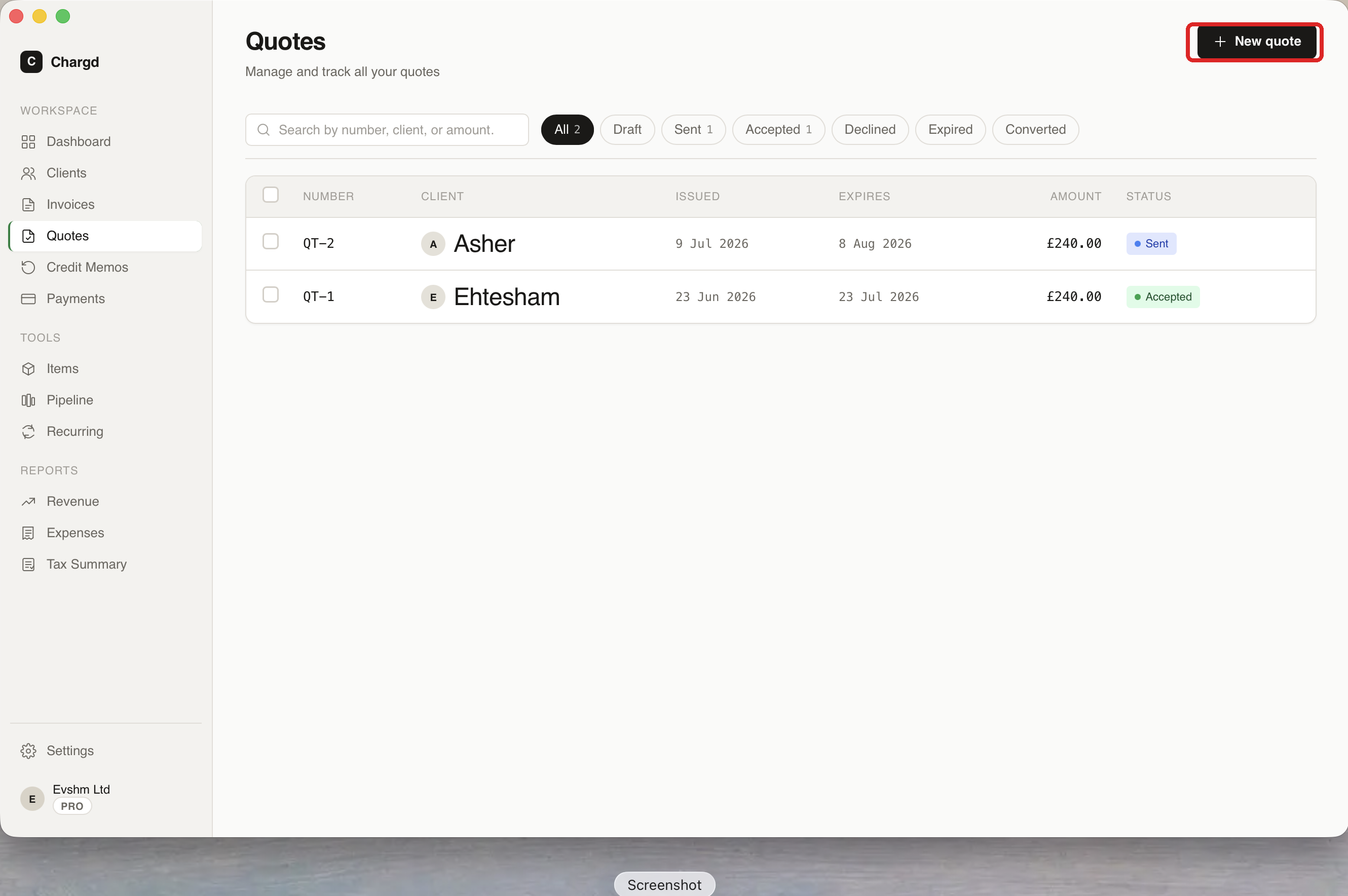
The Quotes screen (/quotes) mirrors the Invoices list, with filter chips for All / Draft / Sent / Accepted / Declined / Expired / Converted.
Creating and sending a quote
- Click + New quote on the Quotes list.
- Fill in the client, issue date, expiry date (instead of a due date), currency, and line items, exactly like building an invoice. See Invoices → Creating an invoice for the line-item mechanics, which are identical.
- Click Send. This marks the quote Sent, generates the PDF, and lets you email, download, or print it (press ⌘P) just like an invoice.
Quote builder with line items and PDF preview
Recording a client's decision
Once a quote is sent, its viewer page shows two buttons:
- Mark accepted: the client has agreed to the work.
- Mark declined: the client has passed.
Quote viewer showing status and action buttons
Converting a quote to an invoice
Once a quote is Accepted, click Convert to invoice. Chargd clones all the line items into a new draft invoice and links the two documents together, so you don't have to re-enter anything. Confirm the conversion in the dialog, then finish and send the new invoice as usual.
← Invoices · Back to guide index · Next: Credit memos →