
Items library
The Items screen (/items) is your catalog of reusable products or services, anything you bill for regularly. It saves you from retyping the same description and price every time you build an invoice.
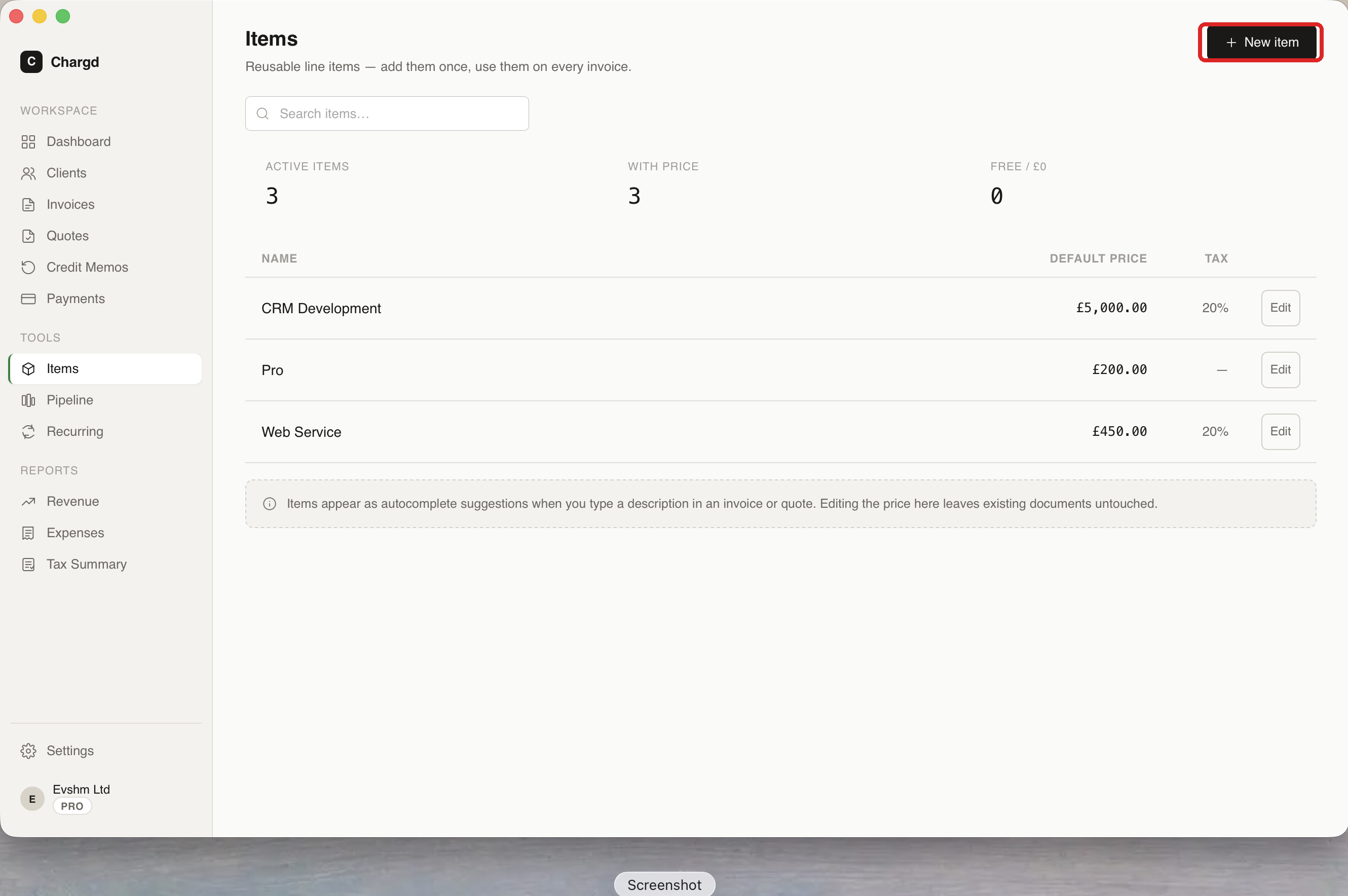 Stats across the top show active item count, how many have a set price, and how many are free (£0).
Creating an item
- Go to Items in the sidebar and click + New item (or click Save as Item on any line item while building an invoice or quote, see below).
- Fill in name, description, unit price, and tax rate.
- Click Save.
Editing an item later only affects future uses, it never retroactively changes invoices or quotes where the item was already used. Archiving an item (soft-delete) removes it from autocomplete but keeps it in your history.
Using items while building a document
While typing in the Description field of a line item on an invoice or quote, Chargd shows a dropdown of matching items from your library, this is the quick-pick picker, and it's ranked by relevance and how recently/often you've used each item.
Selecting a suggestion fills in the description and unit price automatically (in the document's currency). You can still edit either field afterward without changing the saved item.
Invoice builder line item row with the item autocomplete dropdown open
Saving a line as a reusable item
If you've typed a one-off line item that you'll probably bill again, click Save as Item on that row (via its popover menu) to add it straight to your library without leaving the builder.
← Clients · Back to guide index · Next: Invoices →