
Credit memos
A credit memo reduces what a client owes on an invoice they've already been sent, use it for refunds, corrections, or cancelling part of an invoice that's already been paid.
Issuing a credit memo
You can't void an invoice once a payment has been recorded against it, issue a credit memo instead:
- Open the invoice (from the Invoices list) to reach its viewer page.
- Click Issue credit.
- Enter a reason and the amount to credit, and confirm the date.
- Save.
The amount can't exceed the invoice's current outstanding balance, Chargd validates this for you. Once saved, the invoice's balance recalculates automatically to reflect the credit.
The "Issue credit" modal opened from an invoice viewer
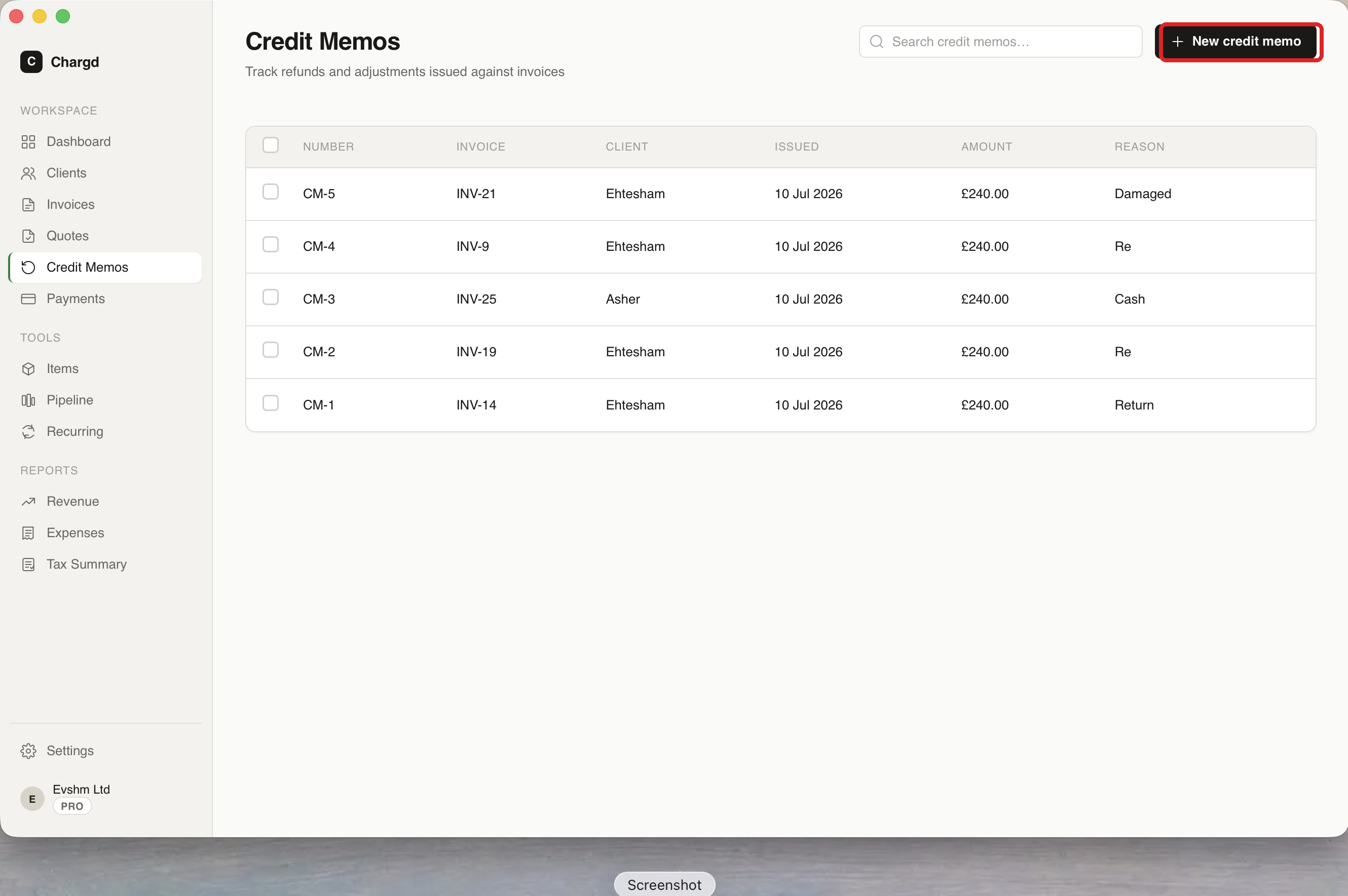
The credit memos list
The Credit Memos screen (/credit-memos) lists every credit memo you've issued: number, the invoice it applies to, client, amount, and date. Click a row to view or generate its PDF, and use search to find one quickly.
← Quotes · Back to guide index · Next: Payments →