Switching from · Excel · Word · Templates
Switching from spreadsheets
Stop copying last month's file and retyping totals. Keep the control you like, lose the busywork.
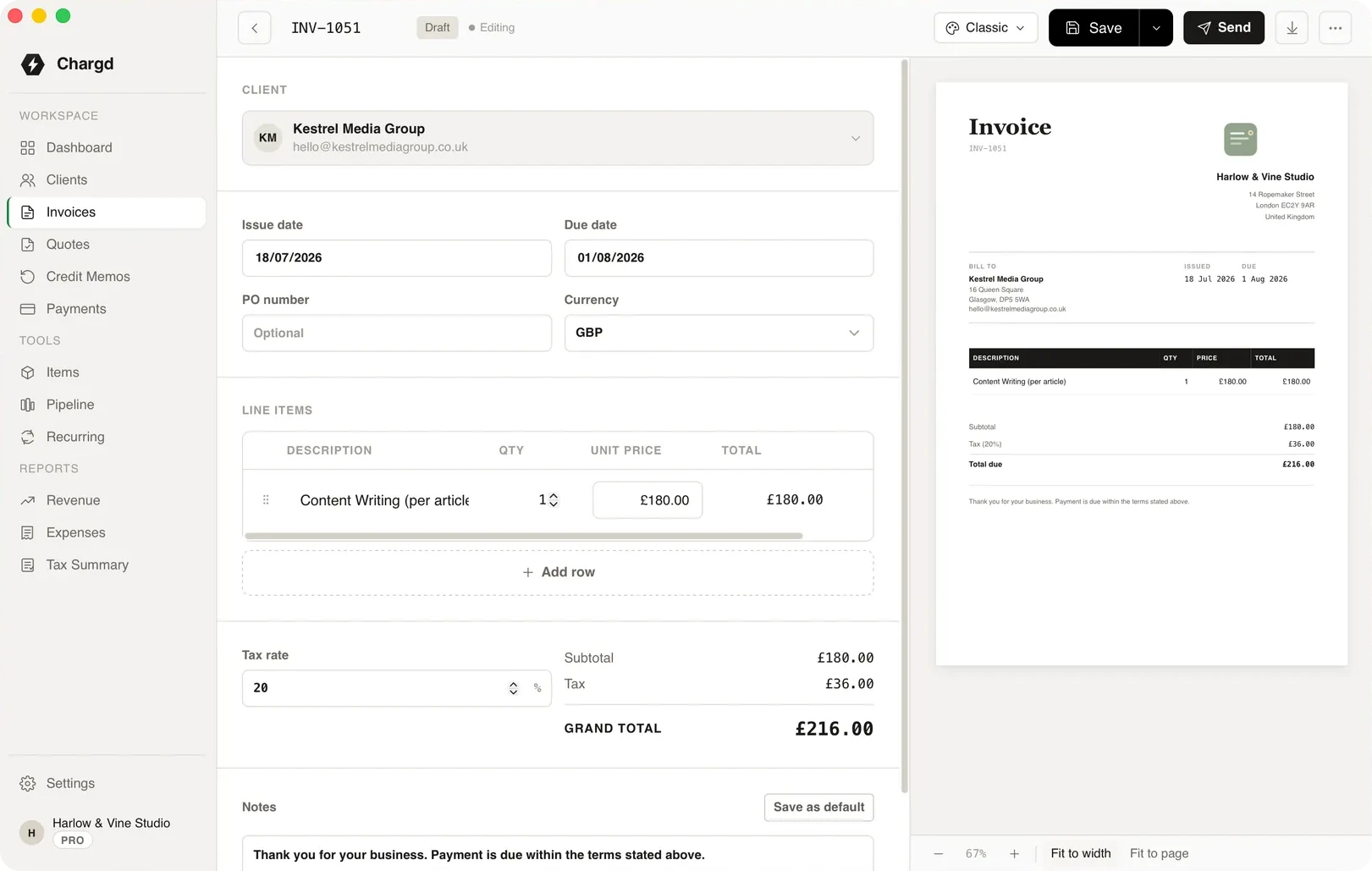
The tools for the job
The parts of Chargd that do the most work here. Everything else in the app is there when you need it.
Import
Bring your clients with you
Export your client list from your spreadsheet as a CSV and import it in one go.
- 01Map your columns during import.
- 02Add any missing details later.
- 03Start invoicing straight away.
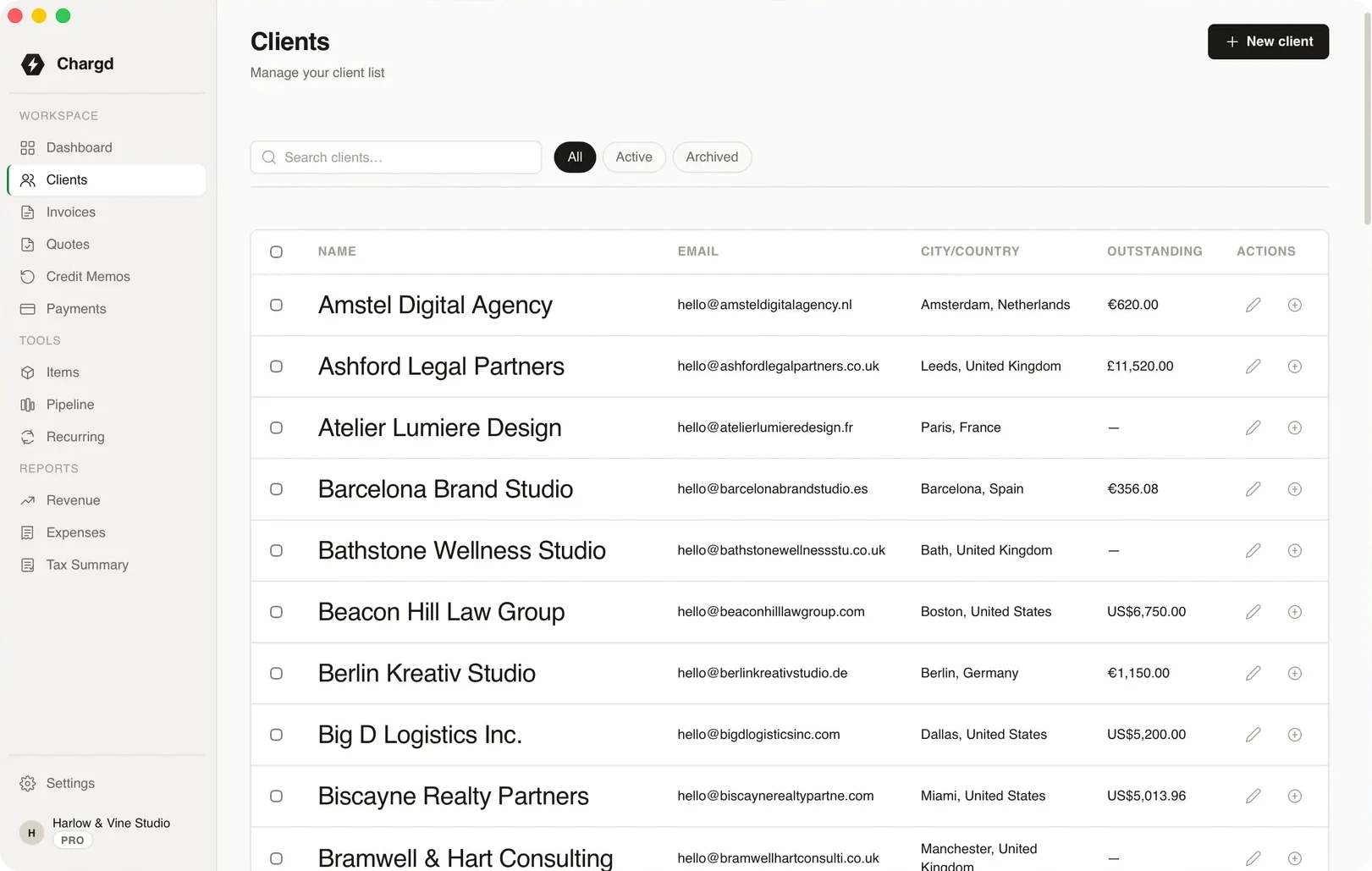
Records
What a spreadsheet can't track
Invoice numbers, statuses, payments and overdue flags, all kept for you.
- 01Automatic invoice numbering.
- 02Statuses from draft to paid.
- 03Payments and balances per client.
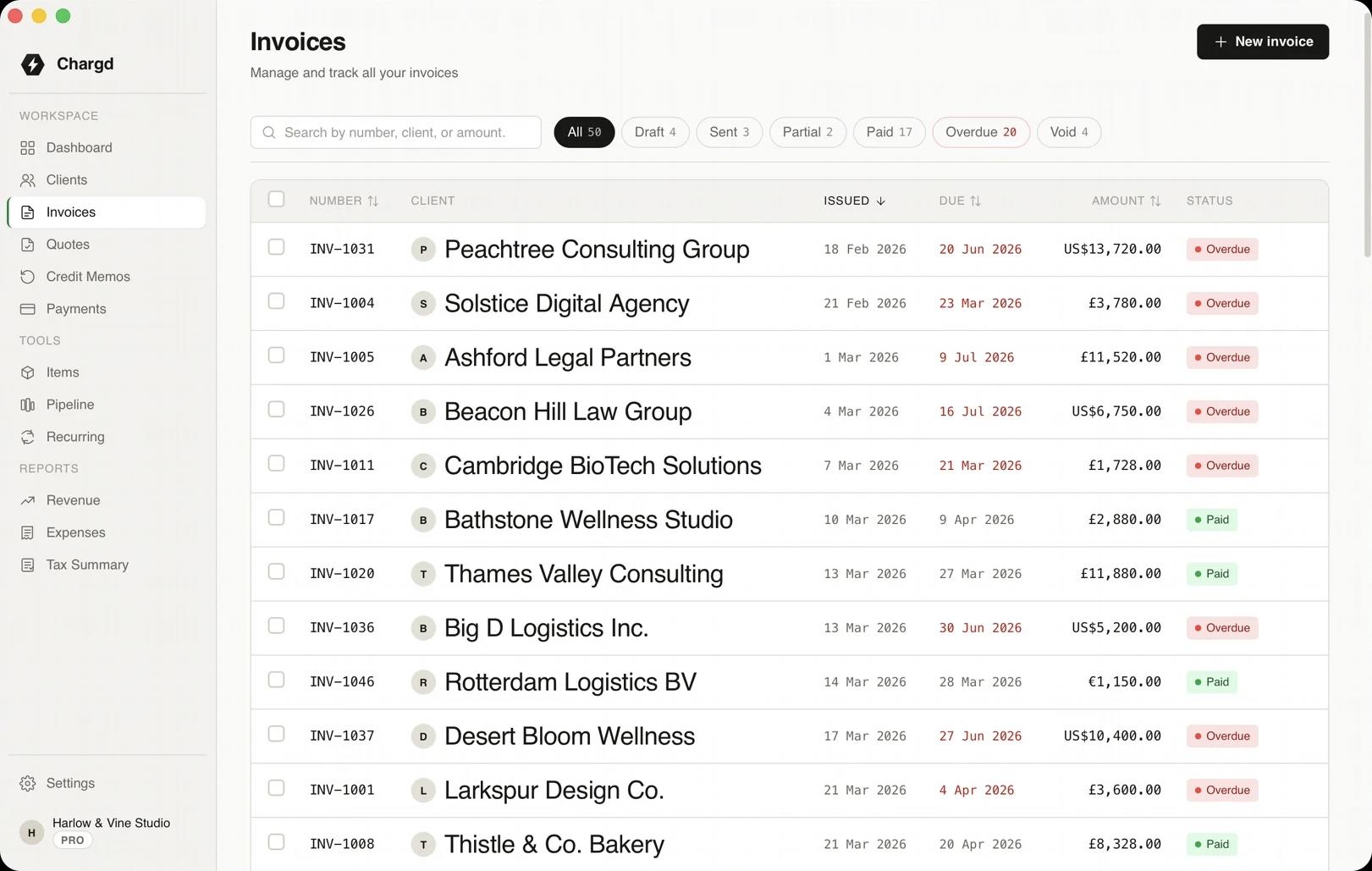
Your first week after switching
What changes, step by step.
- 01
Day one
YouImport your clients from CSV.

ChargdCreates a record for each one.
Imported - 02
Branding
YouAdd your logo and pick a template.
ChargdApplies it to every document.
Branded - 03
First invoice
YouBuild it from saved items.
ChargdNumbers it and works out totals and tax.
Sent - 04
Payment
YouRecord it when it lands.
ChargdUpdates the balance automatically.
Paid
What comes with it
Used here · 4
- CSV import
- Templates
- Invoices
- Payments
Free, forever
- Up to 5 clients
- Quotes and invoices
- PDF export
- Classic, Modern & Minimal templates
Pro · $49 once
- Unlimited clients
- No watermark, your branding
- Recurring invoices
- Credit memos
- Revenue & tax reports
- Sales pipeline
Questions
Can I keep my existing invoice numbers?
Yes. Set your next invoice number in Settings to carry on your sequence.
Can I import past invoices?
Chargd imports clients from CSV. Past invoices can stay in your old files for reference.
Is it harder than a spreadsheet?
No. Pick a client, add lines, and the totals, tax and numbering are done for you.
Retire the template file.
Import your clients and send your next invoice from Chargd.
Get paid without a subscription.
Free forever tier. 30-day refund on Pro.