Offline · Local database · No account
Invoicing that works offline
Quote, invoice and record payments with no connection at all. Your records live on your machine, not a server.
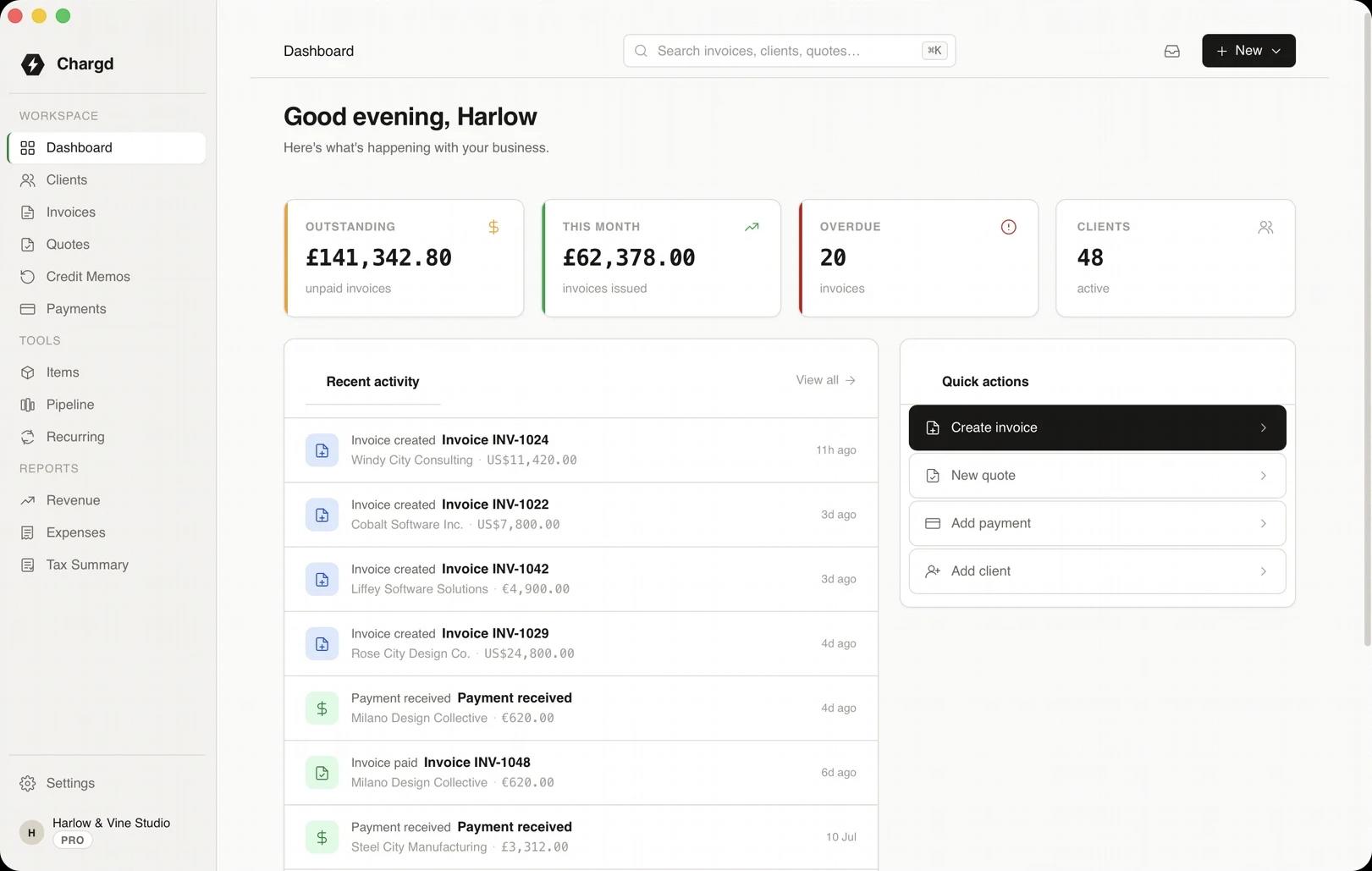
The tools for the job
The parts of Chargd that do the most work here. Everything else in the app is there when you need it.
Local-first
Everything on your machine
Every client, quote, invoice and payment is stored in a local database. Nothing waits on a server.
- 01No account to create or lose.
- 02No sync delays or outages.
- 03Back up and export whenever you like.
Full workflow
Nothing switches off without WiFi
Building quotes, converting them, generating PDFs and recording payments all work offline.
- 01Generate PDFs locally.
- 02Record payments on the go.
- 03Reports are calculated on your machine.
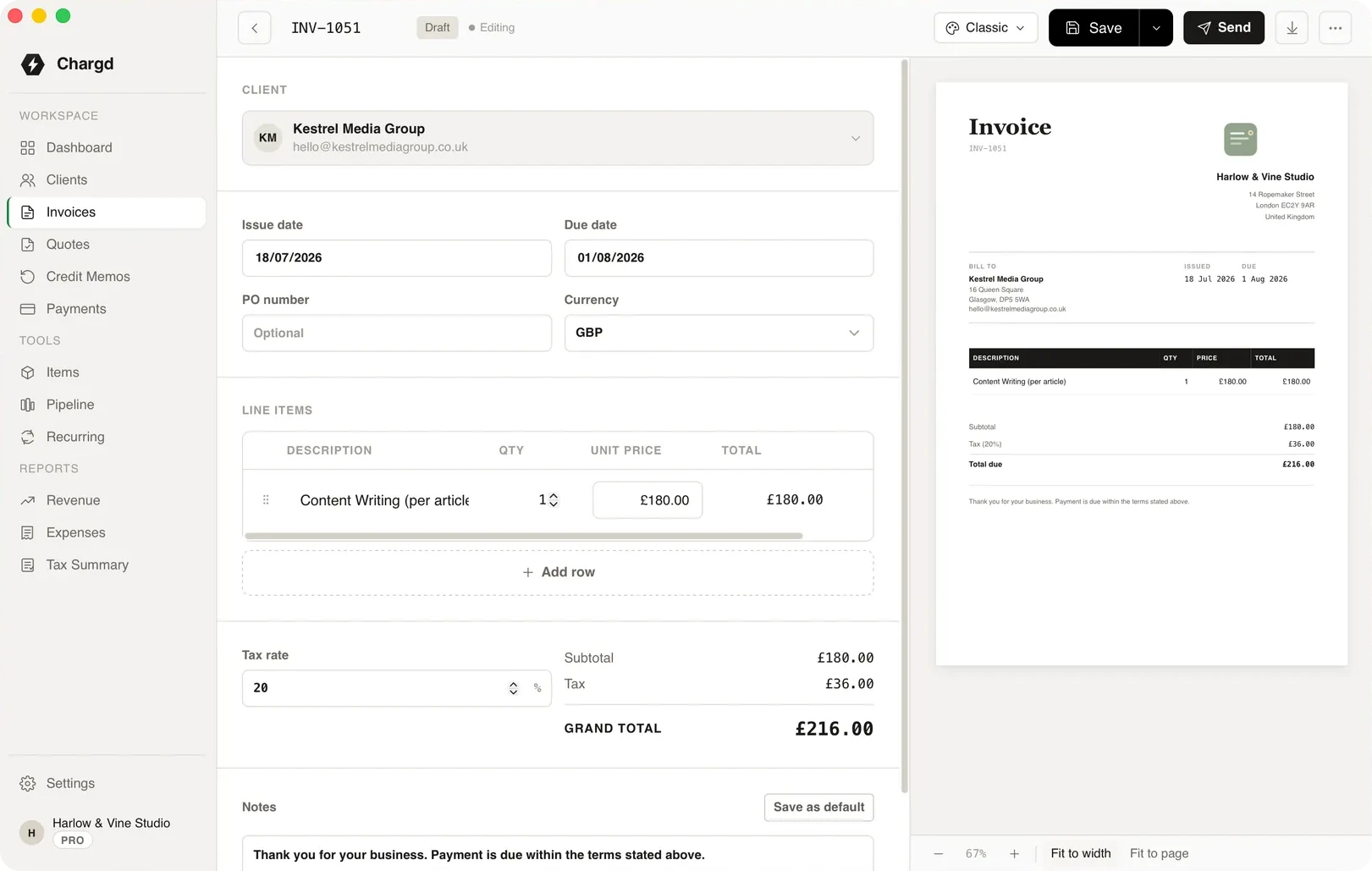
A day with no signal
What still works when the connection doesn't.
- 01
Morning
YouOpen Chargd in a basement with no signal.

ChargdOpens instantly. There's nothing to log in to.
Ready - 02
Site visit
YouBuild and save a quote.
ChargdSaves it to the local database.
Saved - 03
Customer says yes
YouConvert the quote into an invoice.
ChargdGenerates the PDF on your machine.
Invoiced - 04
Cash payment
YouRecord the payment.
ChargdUpdates the balance and your reports.
Paid - 05
Back online
YouEmail the PDF when you have signal.
ChargdYour records were complete the whole time.
Sent
What comes with it
Used here · 4
- Local database
- PDF export
- Payments
- Reports
Free, forever
- Up to 5 clients
- Quotes and invoices
- PDF export
- Classic, Modern & Minimal templates
Pro · $49 once
- Unlimited clients
- No watermark, your branding
- Recurring invoices
- Credit memos
- Revenue & tax reports
- Sales pipeline
“No WiFi on site is normal for me. I build the invoice in the van between jobs and the PDF is ready before I've even left the car park.”
Questions
Does anything need the internet?
Only activating a Pro licence, once. Everything else works offline.
Where is my data stored?
In a local database on your own machine. Chargd doesn't upload your records.
What if I change computers?
Export your data and move it across. A Pro licence covers up to 3 machines.
How do I send an invoice offline?
Generate the PDF offline, then email it when you're next connected.
More by need
Try it with the WiFi off.
Download Chargd and build your first invoice with no connection.
Get paid without a subscription.
Free forever tier. 30-day refund on Pro.