Multi-currency · International clients
Invoice in any currency
Bill each client in their own currency, from the same app.
The tools for the job
The parts of Chargd that do the most work here. Everything else in the app is there when you need it.
Per document
Currency set where it matters
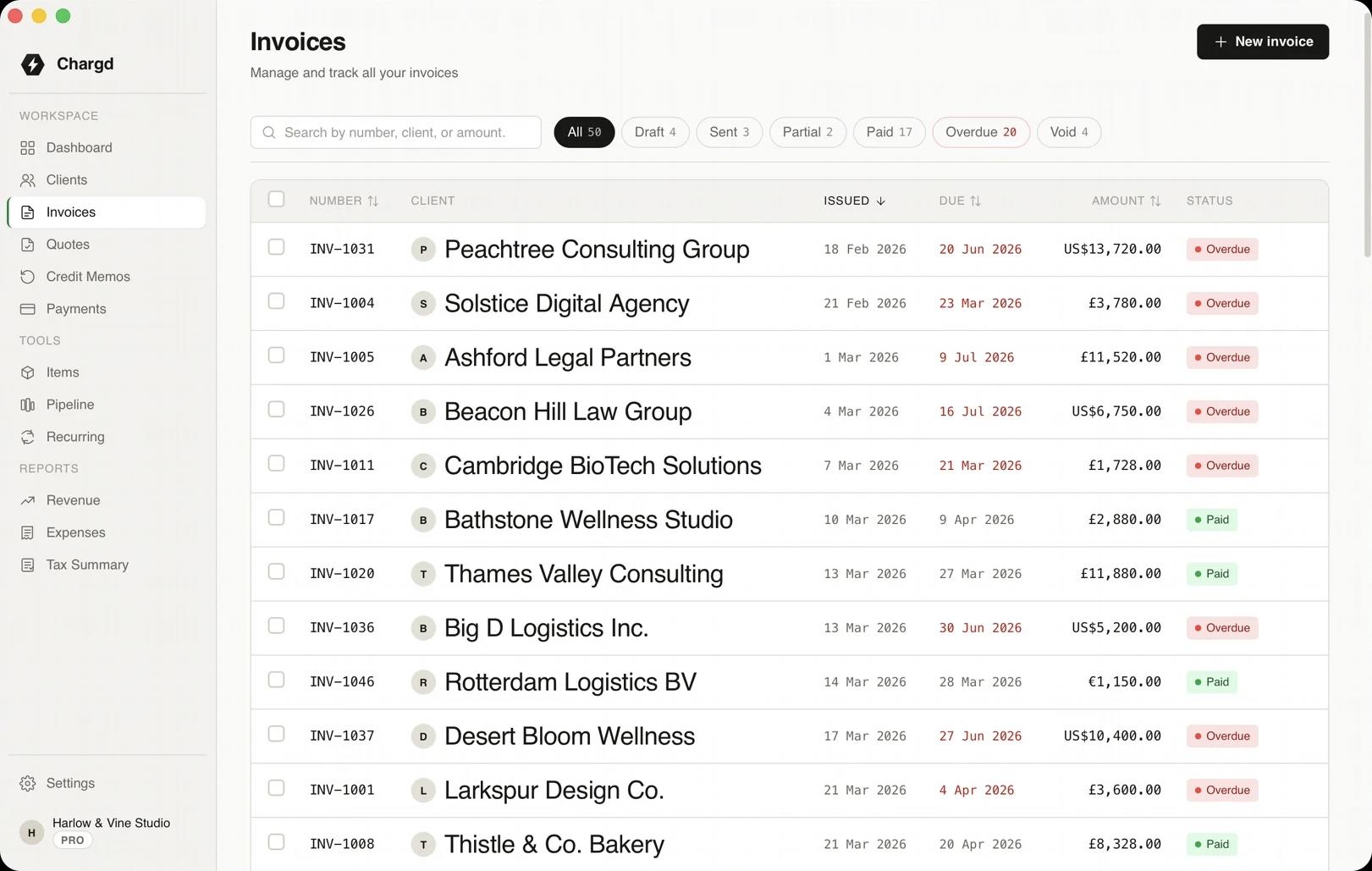
Choose the currency on each quote or invoice. Totals, tax and the PDF all follow it.
- 01USD, GBP, EUR and more.
- 02Each client's documents in their currency.
- 03Amounts shown clearly in lists.
Records
Every currency, one set of books
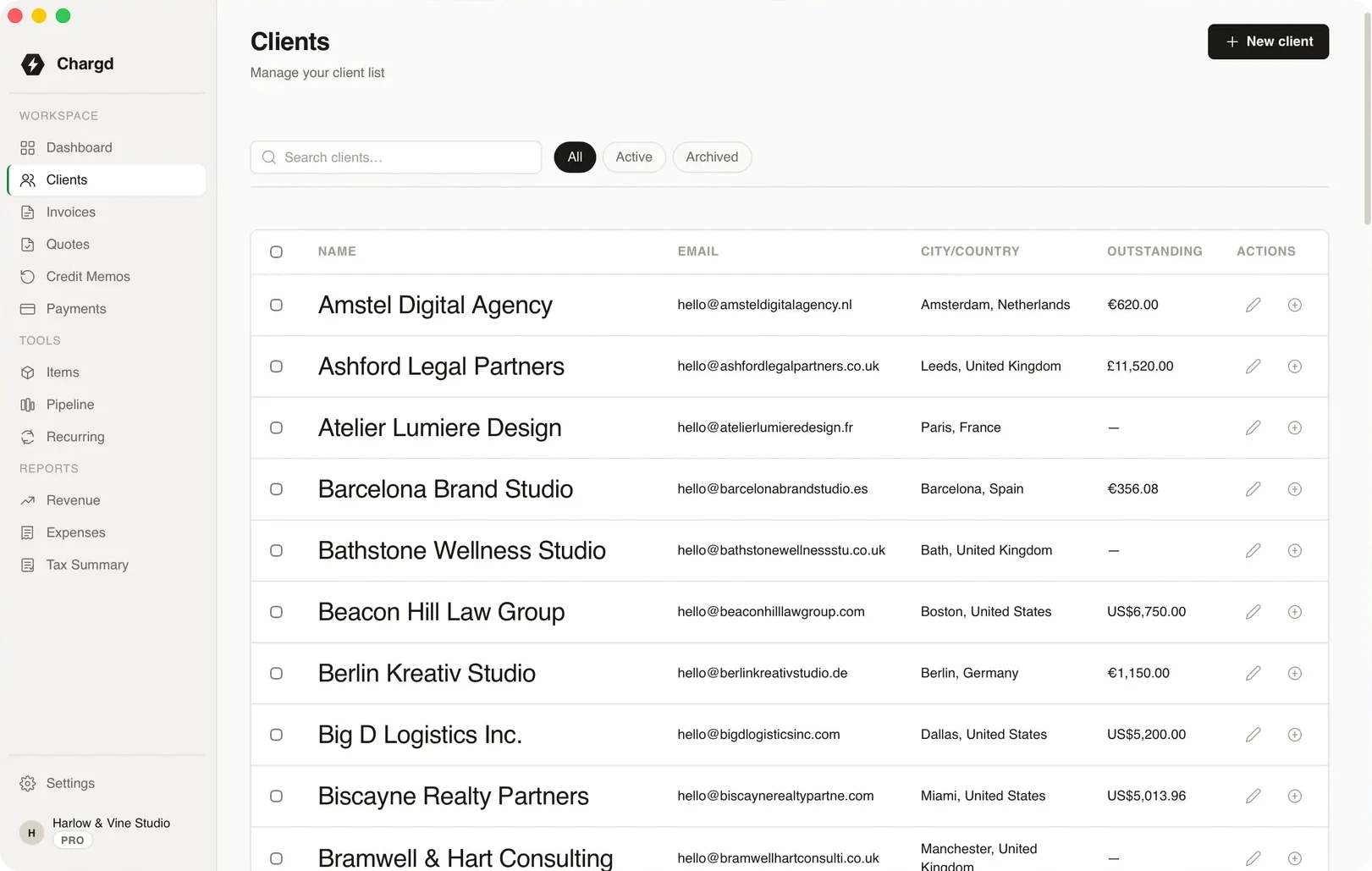
Quotes, invoices and payments in different currencies sit side by side in the same lists and client records.
- 01Each document keeps its own currency.
- 02Payments are recorded against the right invoice.
- 03Search and filter across everything.
One client abroad
Billing a US client from the UK.
- 01
Set up
YouAdd the client.

ChargdKeeps their details for every document.
Saved - 02
Quote
YouQuote the work and set the currency to USD.
ChargdShows everything in USD.
Sent - 03
Invoice
YouConvert the accepted quote.
ChargdKeeps the currency.
Invoiced - 04
Paid
YouRecord the payment.
ChargdTracks it against the invoice.
Paid
What comes with it
Used here · 4
- Multi-currency
- Clients
- Quotes
- Invoices
Free, forever
- Up to 5 clients
- Quotes and invoices
- PDF export
- Classic, Modern & Minimal templates
Pro · $49 once
- Unlimited clients
- No watermark, your branding
- Recurring invoices
- Credit memos
- Revenue & tax reports
- Sales pipeline
Questions
Does Chargd convert exchange rates?
No. You invoice in the client's currency. Conversion happens when you're paid, through your bank.
Is multi-currency in Free?
Yes, you can set the currency on any quote or invoice.
More by need
Bill your next client abroad.
Set their currency once and invoice in it every time.
Get paid without a subscription.
Free forever tier. 30-day refund on Pro.